Add Watermark to PDF
Overlay custom text or brand logos onto all pages of your PDF instantly in your browser. Private, secure, and fully offline.
Select a PDF File
Drag & drop your document here or click browse to upload
100% Secure & Offline
No server uploads. Your PDFs are watermarked locally in your browser, ensuring absolute privacy for sensitive documents.
Custom Text & Logo
Easily add custom text like "CONFIDENTIAL" or upload your own PNG/JPG brand logo as a high-fidelity watermark.
Fast Instant Processing
Overlay watermarks onto all pages instantly. Vector text and original document quality remain crisp and preserved.
Protect Your Confidential Documents
Prevent unauthorized document reuse with clean, professional text or logo watermarks.
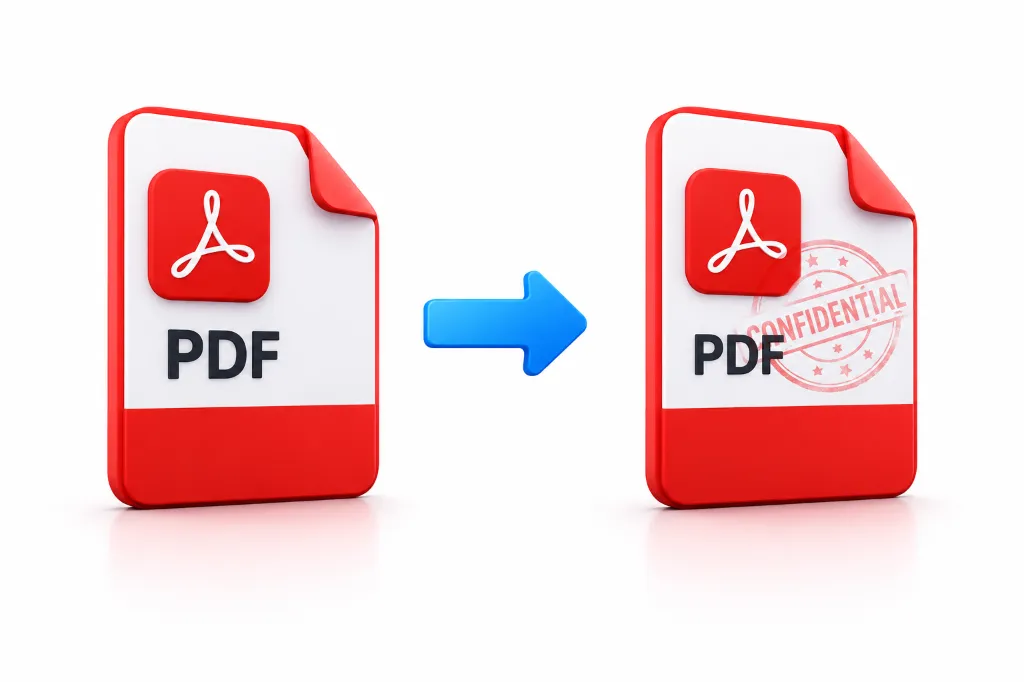
How to Watermark a PDF
Upload Document
Drag your PDF into the dropzone or click browse to select your document.
Configure Watermark
Select Text or Image mode. Customize text content, color, font size, opacity, and rotation.
Apply Safely
Click "Apply Watermark" to overlay it securely across all pages in browser memory.
Download
Save your protected, watermarked PDF file directly to your computer or mobile device.
Guidelines & Privacy
Watch Step-by-Step Video Tutorial
Learn how to easily add custom text or image watermarks to any PDF document.
Add Watermark to PDF Free & Securely
Protecting your digital documents is more important than ever. Whether you need to secure a business contract or prepare sensitive paperwork for government portals, our tool is the perfect solution to add watermark to PDF online India. At Smart Cyber Cafe, we understand the need for privacy. That is why our cyber cafe watermark pdf service balurghat has been designed to operate entirely within your browser.
Why Client-Side Watermarking Protects Your Work
Many online tools send your confidential contracts or identity documents to external servers. Smart Cyber Cafe performs all canvas rasterization and PDF vector stamping locally on your device, ensuring zero data leakage.
Flexible Text and Logo Options
Many users wonder how to add transparent watermark to pdf free online without compromising document quality. Our utility makes this process seamless. You can type custom text like "CONFIDENTIAL", or you can choose to add image logo as watermark to pdf by uploading a PNG or JPG file. Adjust opacity between 20% and 50% for optimal transparency that doesn't obscure the underlying content.
Frequently Asked Questions
Common questions about adding text, logo, and transparent watermarks to PDF files.
Our tool processes your PDFs 100% locally in your browser. This means your files are never uploaded to any server, ensuring complete privacy which is crucial for sensitive government documents.
Yes, you can upload a PNG or JPG logo and seamlessly add it as an image watermark to your PDF documents. You can adjust the scale, opacity, and rotation of the logo easily.
We provide a generous credit system that allows you to add watermarks to your PDFs without strict daily limits, unlike many other online tools.
Simply drag and drop your government forms (like Aadhar, PAN, or SSC forms) into our tool, type your watermark text like 'CONFIDENTIAL', and click Apply. The entire process is offline and highly secure.
While our current tool focuses on single-file precision, you can rapidly process multiple files one after the other thanks to our instant, client-side processing speeds.
No. Our tool adds the watermark directly into the PDF structure without rasterizing the entire document, so you will not lose any original quality or readability.
You can easily set a transparent watermark by adjusting the 'Opacity / Density' slider in our tool settings. 30% to 50% opacity is usually best for transparency.
Yes, Smart Cyber Cafe is a local service in Dakshin Dinajpur (Balurghat, West Bengal), but our online PDF watermark tool is available globally for everyone to use securely.