Image to PDF Converter
Combine multiple JPG, PNG, and WebP photos into a single clean PDF document. Drag-and-drop to reorder pages with instant offline processing.
Select Images
Drag & drop images here or click browse to upload
100% Secure & Offline
No server uploads. Your images are converted to PDF securely within your browser memory for maximum privacy.
Multi-Format Support
Easily combine multiple JPG, PNG, JPEG, and WebP images into a single professional PDF document.
Drag & Drop Ordering
Quickly rearrange your photos in any specific sequence before generating your final PDF document.
Combine Images into a Seamless PDF
Merge multiple single-page scans into one clean, well-formatted document ready for portal uploads.
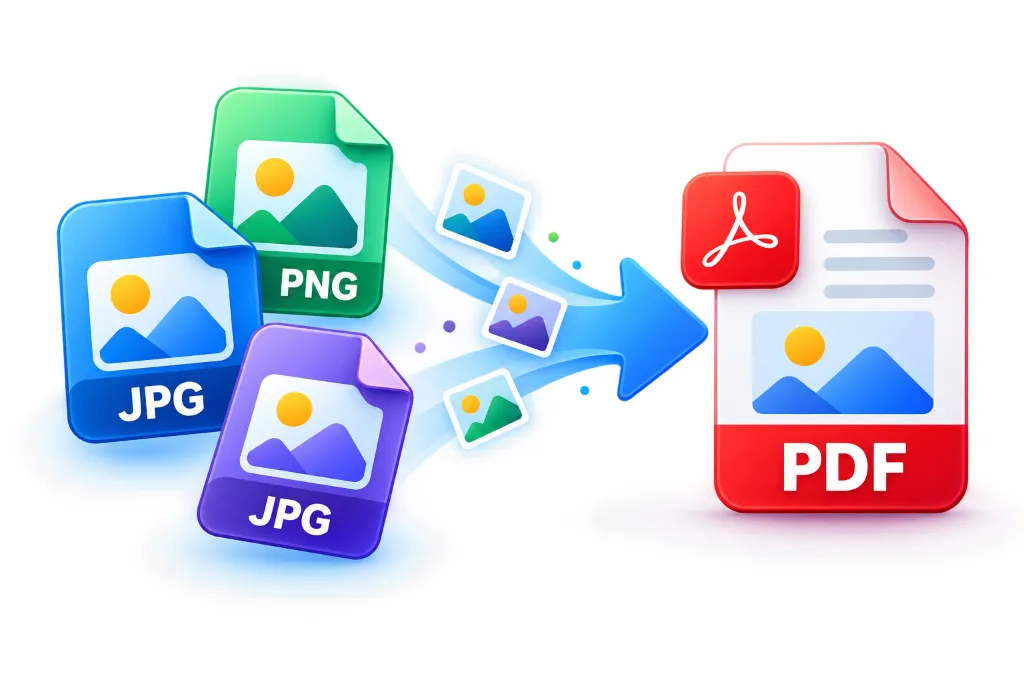
How to Convert Images to PDF
Upload Photos
Drag and drop your JPG, PNG, or WebP files into the designated dropzone area.
Arrange Order
Click and drag the image thumbnails to sequence them exactly how you want them in the PDF.
Adjust Settings
Choose whether you want images to fit the page or maintain their original aspect ratio.
Generate PDF
Click "Generate & Save PDF" to instantly compile your secure document locally.
Important Guidelines
Watch Step-by-Step Video Tutorial
Learn how to merge and convert photos to a single PDF document.
The Safest Way to Convert Images to PDF
Whether you need to convert marksheet images to PDF for upload to an online portal, or you're merging your photo and signature to a single PDF online, our tool provides a fast, seamless experience. Most online converters upload your sensitive documents to remote servers, posing a severe security risk. Our tool is built differently.
Why Client-Side Processing Protects Your Documents
We utilize browser-based JavaScript technology to process your files locally. When converting your JPG to PDF for Aadhaar card upload or PAN card verification, your confidential documents never leave your computer or phone.
Perfect for Indian Government Portals
Many government recruitment portals require multiple scanned documents to be uploaded as a single PDF. Our intuitive drag-and-drop interface allows you to easily sequence your photos, ensuring your resulting PDF is perfectly organized and ready for submission.
Frequently Asked Questions
Common questions about combining and converting JPG, PNG, and WebP images into PDF documents.
Simply drag and drop your Aadhar card images (front and back) into our converter. You can easily reorder the images and click 'Generate PDF'. The tool ensures high-quality output perfect for official uploads.
Yes! Upload both your passport photo and signature image files. You can arrange them in the correct order and merge them into a single, clean PDF document instantly.
Upload your scanned marksheet images (JPG or PNG). If you have multiple pages, you can arrange them chronologically before hitting the generate button. It works completely offline for maximum privacy.
Absolutely. Our tool processes your files 100% locally in your browser. Your sensitive documents, like IDs and PAN cards, are never uploaded to any external server.
Yes, you can upload up to 100 screenshots at once. Drag to arrange them in the correct sequence, and the tool will combine them all into a single, multi-page PDF.
This tool merges images into a PDF. If the resulting PDF is too large for your government form, you can immediately run it through our Compress PDF tool to easily shrink it under 100KB.
Yes! We use advanced client-side processing (WebAssembly/JS) so the entire conversion happens directly on your device, ensuring total privacy and security without requiring an internet connection during conversion.
While the tool is free to use, we employ a credit system to ensure fair usage for everyone. You get daily free credits, and registered users get even more free uses.
Yes, our converter fully supports JPG, JPEG, PNG, and WebP image formats natively.